
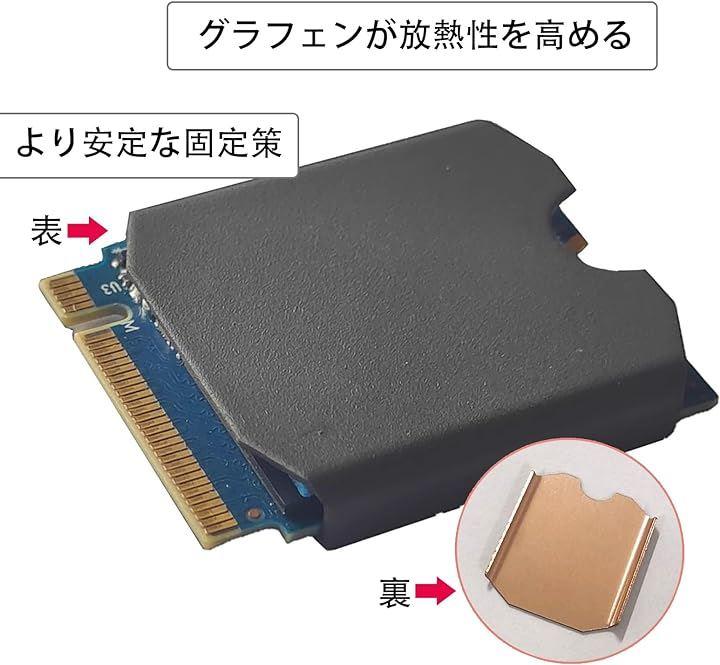
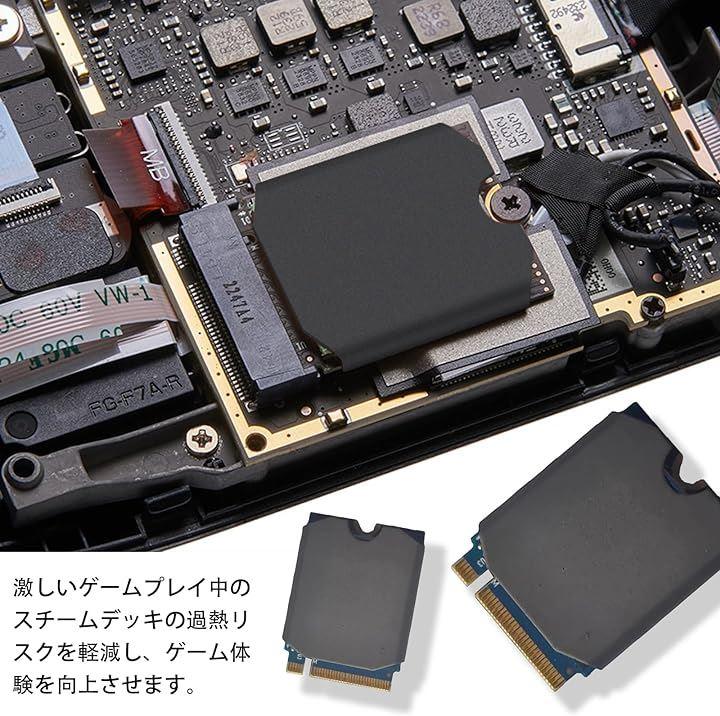
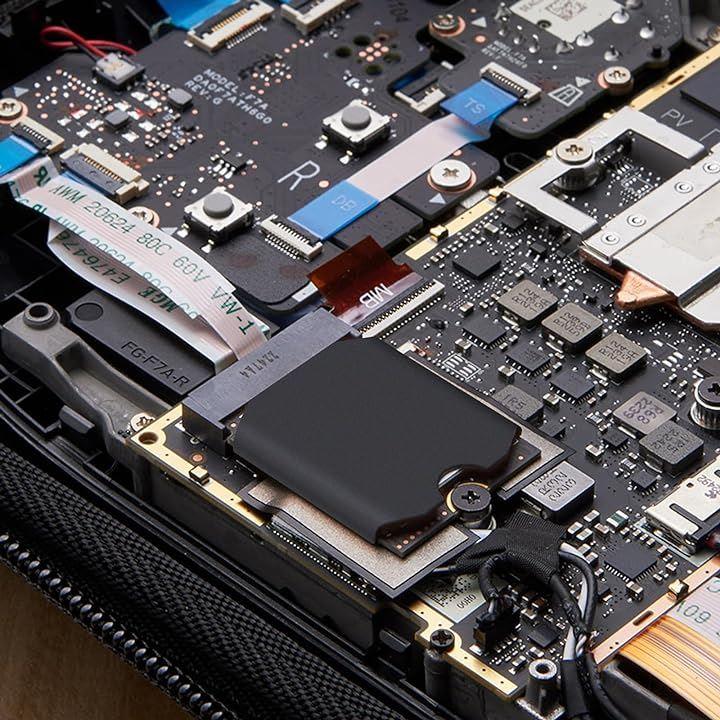
Heat sink designed specifically for Steam Deck 2230 SSD, Sabrent Rocket 2230, and Rog Ally SSD.
Full cover heat sink
The copper full cover heat sink makes better contact with the entire hardware device
Enables faster heat exchange with air and improves heat dissipation efficiency
No need for rubber ring fixation, making it easy and lightweight
[Repair Kit]
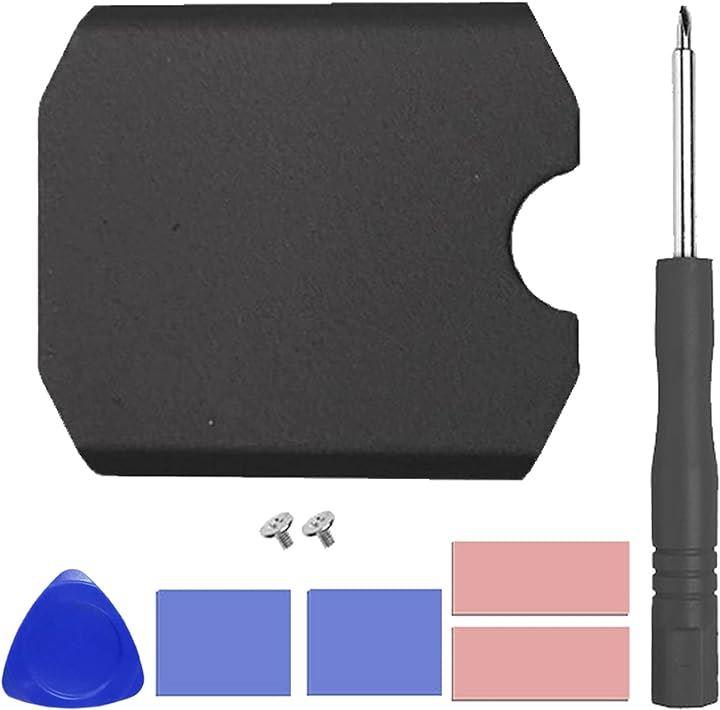
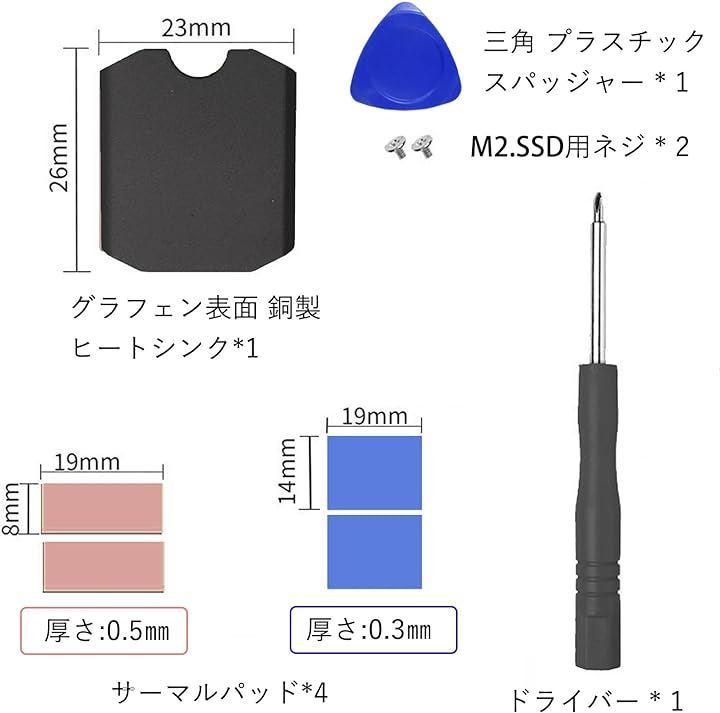
Graphene surface copper heat sink x1
Phase change thermal pads x2
Screws x2
Installation method for M.2 2230 NVME SSD heat sink:
1. Turn off the Steam Deck.
2. Remove the 8 screws at the back of the Steam Deck.
Four 9.5mm screws and four 5.8mm screws.
3. Pry open the back cover.
4. Loosen the three screws fixing the protective plate, one 3.4mm screw, and two 3.7mm screws.
5. After removing the screws, remove the protective plate.
6. Remove the fixed hard drive.
7. Peel off the blue protective film on the front and back of the heat sink.
8. Peel off the protective film of the thermal conductive tape and stick it onto the surface of the hard disk particles.
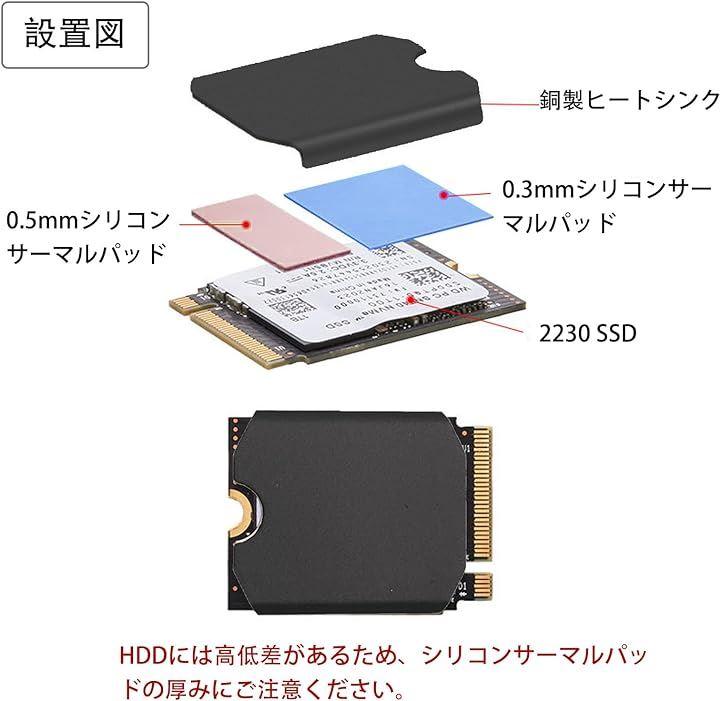
9. Align the heat sink with the hard drive and press it into the heat sink slot.
10. Insert the heat sink with the SSD into the slot and tighten.
11. Reattach the guard and cover.
1. [Heat sink with heat dissipation pad]: The copper heat sink with graphene surface is designed exclusively for Steam Deck 2230 SSD, Sabrent Rocket 2230, and Rog Ally SSD.
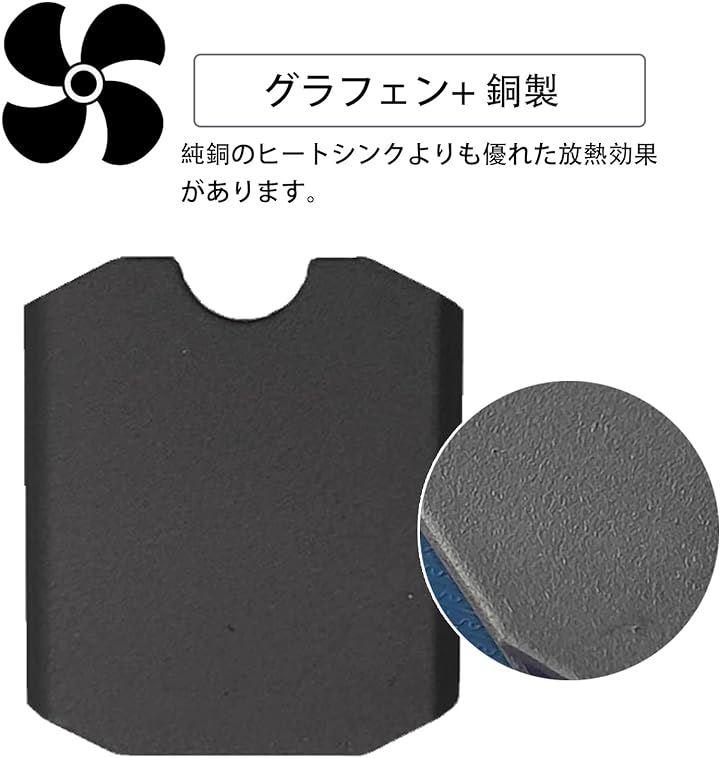
2. [Heat sink with graphene surface for thermal runaway prevention]: The copper surface is coated with graphene, providing better heat dissipation than pure copper heat sinks.
Reduces the risk of overheating during intense gaming on the Steam Deck and enhances the gaming experience.
3. [Phase change and silicone thermal pads]: The thermal pad not only improves heat dissipation but also flattens the surface of the SSD, prevents contact with the shield cover, and prevents short circuits.
4. [Heat sink and repair kit]: The repair kit for removing the SSD heat sink and backplate includes a graphene surface copper heat sink, silicone thermal pad, pry tools, screwdriver, and screws.
Remove the old heat sink from the computer and use the repair kit to install the new heat sink onto the computer.
5. [Package contents]: Graphene surface copper heat sink x1, phase change thermal pads x2, screws x2
2024/04/17 12:30:44#819e8cfe56207add6024ca6f1c319200adbf75f1
| Product # | 2BJGOOCKUL |
|---|
You don't need to be in Japan to shop here. Sign up for a free account on ZenPlus now and enjoy buying and shipping to over a hundred countries, directly from Japanese online stores. You can ship your items internationally through JP Post (EMS, Airmail), UPS, DHL, FedEx, and other services. Get all the hottest items from Japan such as anime figures, Nendoroids, Nintendo and other video games, Hello Kitty and other kawaii plushies, fishing tackle, Japanese street fashion, Seiko and other watches from Japan, ramen and other Japanese foods, idol merchandise, and much, much more!
We work directly with Japanese shops registered with ZenPlus, so all internal processes are faster and more efficient - the result is a swift and affordable service, ready for you when you need it most. You have instant access to over 1,000 stores in Japan with just one click! Shop just as if you were in Japan, without spending a fortune. We'll get you the best deal possible from a vast collection of items from Japan. Join the ranks of people who prefer ZenPlus as their Japanese online marketplace.
We protect you, the buyer. Communication can be one of the biggest barriers when buying from Japan online, but it doesn't have to be that way. With ZenPlus, you are protected from many of the risks of international e-commerce: We'll take care of any questions, claims, and requests for the seller that you might have. We can provide a full refund if an item is not genuine, and a partial refund if it's not as promised. Feel free to ask us for more info about any of the items or shops on ZenPlus!