Special: B0CJWZ3FQM
Code: 4549292221404
Brand: Canon
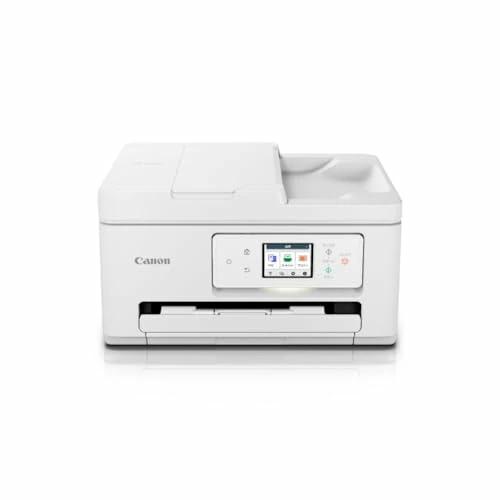
Model: PIXUSTS6730
Product color: White
Size information: Normal
Product size: Height 20.8, Width 37.4, Depth 35
Product weight: 7300
About this product
A4 color inkjet multifunction printer
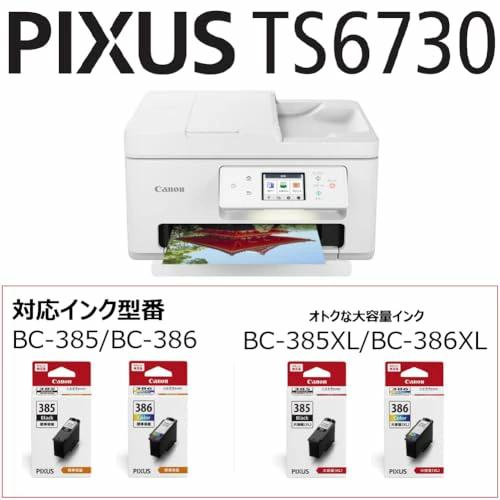
Compatible with integrated ink tank BC-385/386 series
Print, Copy, Scan
Supported OS Windows 11/10/8.1/7 SP1
Supported OS macOS 10.15.7~/Chrome
› See more brands Canon
Connectivity: Wi-Fi, USB
Printing technology: Inkjet
Features: Automatic document feeder, Touch screen
Color: White
Model name: PIXUSTS6730
Printer output: Color
Maximum print speed (color): 10 pages/minute
Maximum print speed (mono): 15 pages/minute
Product weight: 7.3 kilograms
About this product
A4 color inkjet multifunction printer
Compatible with integrated ink tank BC-385/386 series
Print, Copy, Scan
Supported OS Windows 11/10/8.1/7 SP1
Supported OS macOS 10.15.7~/Chrome
› See more
Shipping size: Height 50.7, Width 45.9, Depth 28
Shipping weight: 9700
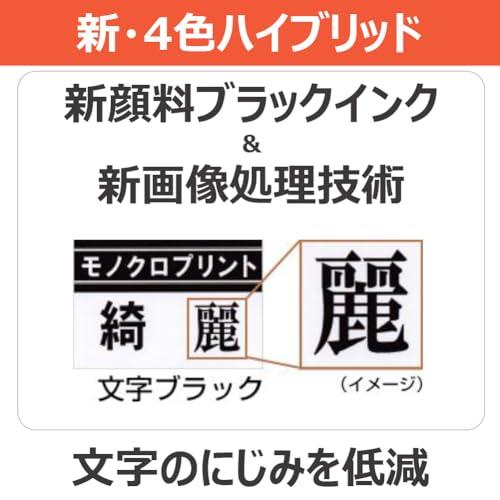
4-color hybrid multifunction printer with ADF, easy maintenance with integrated ink, manufacturer description
Compact design with high productivity for document printing, achieving high quality TS6730 TS6630
Recommended points for TS6630 & TS6730
Click to play video
Lineup comparison table
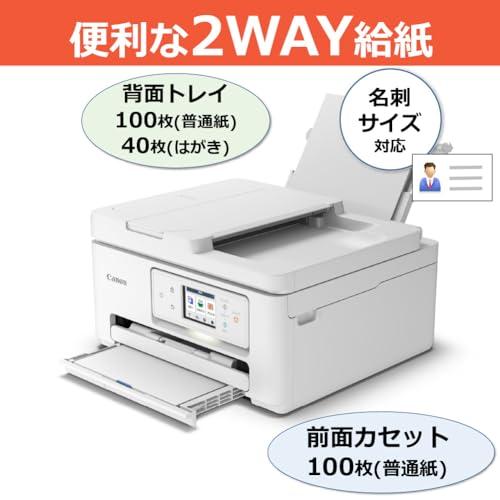
Convenient paper feeding with "ADF equipped" easy-to-use compact body
Equipped with an ADF that allows continuous copying and scanning without replacing paper or cards. Improves work speed.
Friendly impression with a rounded form. Gentle appearance that blends into a wide range of rooms.
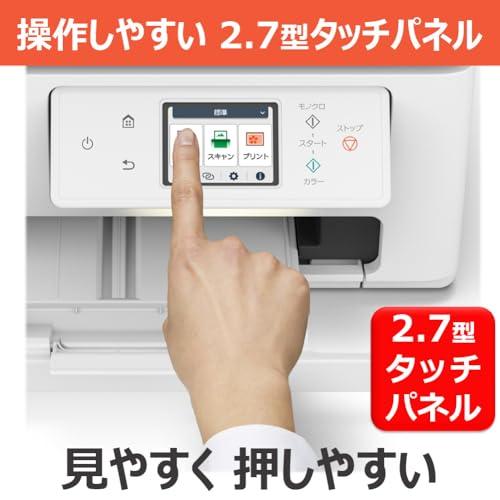
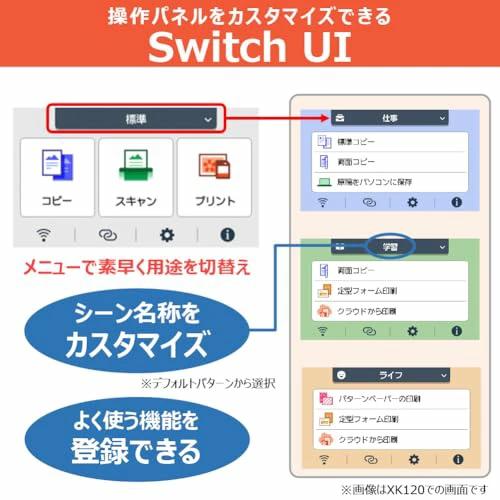
Easy to see, easy to use, easy to press: 2.7-inch touch panel with customizable functions, Switch UI
Equipped with a movable 2.7-inch touch panel. The front part can be freely adjusted to various angles for comfortable operation.
Customize shortcut buttons according to scenes such as "Work," "Learning," "Life," "Photos," "Hobbies."
Print from smartphone at home
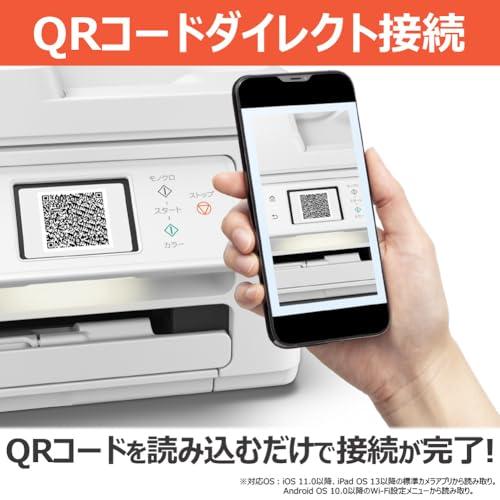
Simply scan the QR code to complete connection: "QR code direct connection"
Displays a QR code for direct connection on the printer's LCD screen. Just scan to complete setup without entering SSID or password.
Easy printing from smartphone. Popular app "Canon PRINT"
Using the free app "Canon PRINT," you can directly print photos and documents from your smartphone. You can also save scanned images to your smartphone or print data from the cloud. The interface is clearer, further improving operability. It also features "Smartphone Auto Photo Correction" to reduce failed prints when printing from a smartphone. You can also view useful information and notices from the banner at the top of the home screen.
| Product # |
202506211315164549292221404 |
What is ZenPlus?
ZenPlus is an online shopping platform connecting Japan with the rest of the world. We're part of the ZenGroup, Inc. umbrella in Osaka, Japan.
Are items authentic?
Our sellers' agreement fully compels all stores to list only authentic items. We help you buy exclusive and authentic items from Japan, online!
Do you ship to my country?
We ship to all countries where Japan Post air freight services and international couriers currently operate. We don't use surface mail.
How long does shipping take?
Domestic shipments generally reach our warehouse in a few days, but may in certain specific cases take a week or more. International shipments can take anywhere from several days to several weeks to reach you after leaving our warehouse, depending on if you choose Standard or Express shipping.
Please contact our support team from the Questions section on your account page if you have any questions about the timing of your parcel.
How much is shipping?
Shipping costs depend on the size, weight, and destination of your parcel. We provide shipping costs for your order at checkout.
Will I be charged a customs (import) fee?
It depends on your country and its customs regulations. Our service does not cover duties and import taxes — in general, if the customs office in your country applies charges to your package, you are required to pay them.