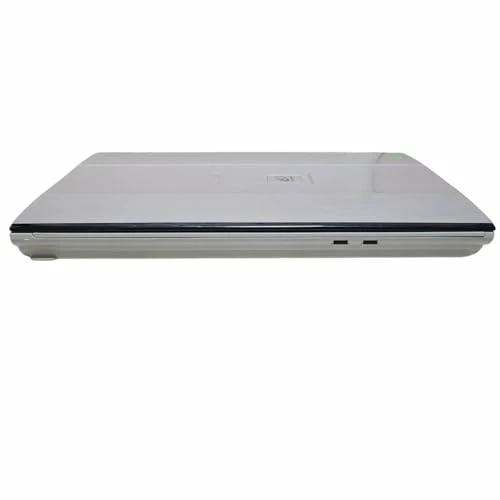
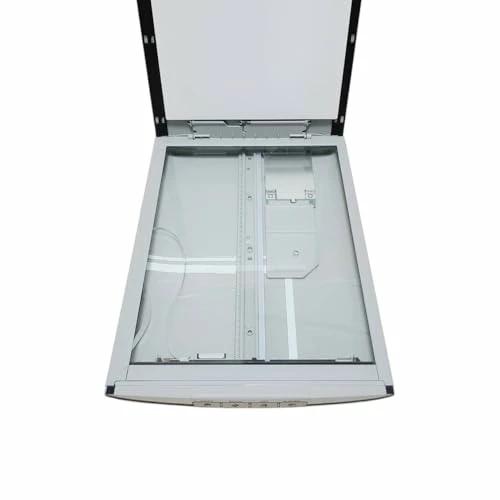
Special: B001EO99QC
Code: 4960999578125
Brand: Canon
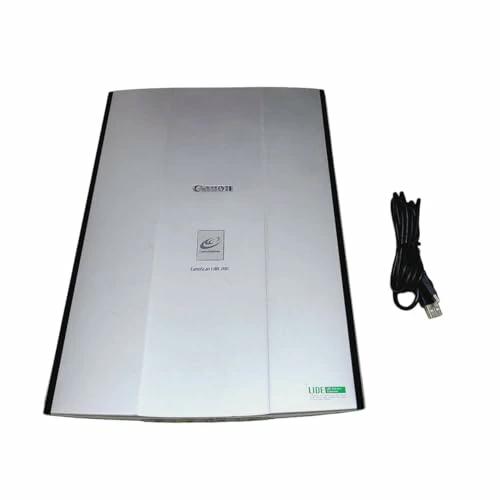
Model: CanoScan LiDE 200 2924B001
Product weight: 1575
About this product
Type: Flatbed
Maximum paper size: A4
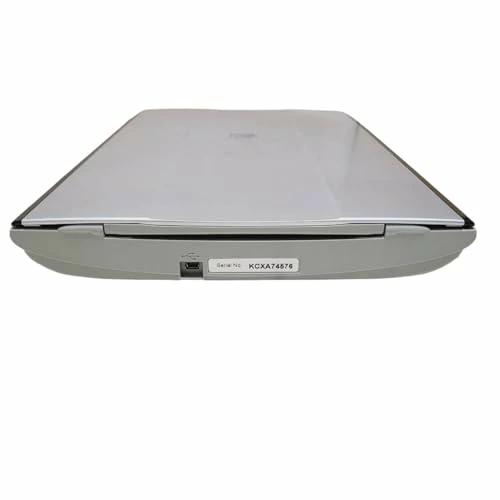
Interface: USB
Optical resolution (dpi): 4800x4800
› See more Media type USB
Scanner type: Document
Brand: Canon
Connection technology: USB
Resolution: 4800 About this product
Type: Flatbed
Maximum paper size: A4
Interface: USB
Optical resolution (dpi): 4800x4800
› See more
Shipping size: Height 44, Width 26, Depth 7.8
Shipping weight: 1750
Product introduction
Simply set the document and click the "SCAN" button to automatically detect the document type, scan with appropriate settings, and save the file. Power-saving design compatible with USB bus power. Connect the included USB cable to your computer to start scanning immediately. Realistic and clear details. Achieved with a high resolution of 4800 dpi using CIS model with LIDE technology.
More
Easy document detection and correction with "Auto Scan"
Set the document and click the "SCAN" button. This automatically detects the document type, scans with suitable settings, and saves the file. Eliminates tedious steps like adjusting resolution and image processing, enabling quick and comfortable scanning.
Not compatible with upright placement.
No need for a power outlet, just connect the USB cable for one-plug scanning.
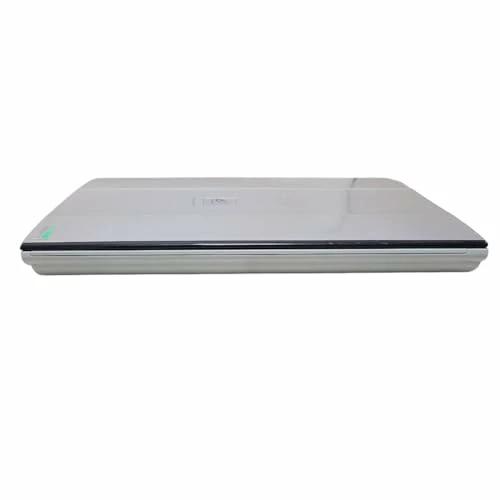
LiDE 200 features a power-efficient design that supports USB bus power. Connect with the included USB cable to start scanning immediately. The device is slim and compact, making it easy to take out and use only when needed, and convenient for mobile use with a laptop.
High-resolution scanning with 4800 dpi CIS using LIDE technology
Details are realistic and clear. Achieved with a high resolution of 4800 dpi using a CIS model with LIDE technology.
Color adjustment pattern display for easy preview
A useful feature for adjusting the color tone of scanned images. It displays different color balance adjustments as thumbnails on the same screen, allowing you to compare and select your preferred color balance. Basic mode only.
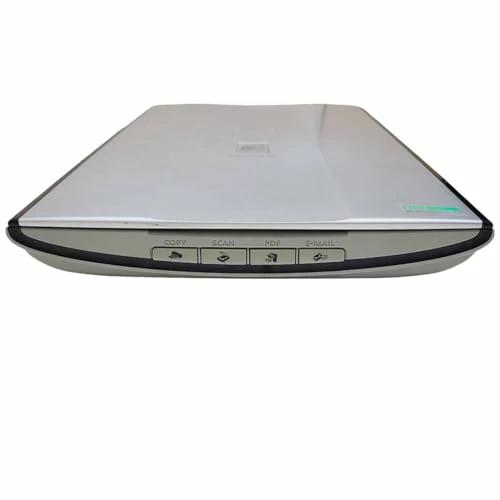
Supports "Auto Scan" and easy operation with 4 EZ buttons
Equipped with four frequently used buttons on the front of the device: "Copy," "Scan," "PDF," and "E-mail." Links with "MP Navigator EX" for quick access to necessary functions.
COPY button: Color copying function that outputs the scanned image to a printer.
SCAN button: Supports "Auto Scan."
PDF button: Converts documents directly into PDF files. Also automatically adds text information.
E-MAIL button: Adjusts the size of scanned data and attaches it to an email automatically or manually.
Smart scanning while upright
Using the included stand, the device can be placed upright to scan standard documents up to A4 size. Also supports "Advanced Z-Lid," which can lift the document cover up to 20mm. Suitable for scanning thick documents.
Warm-up free, low power consumption with 3-color LED
Equipped with a color contact image sensor (CIS) using 3-color LEDs as the light source. Provides stable illumination immediately after power-on, eliminating warm-up time. Ready to scan right away.
Shadow correction for the spine when scanning thick books
Automatically detects and reduces shadows at the spine when scanning open books with thickness.
Only effective for documents with white background.
Automatic category classification display function for scanned images
MP Navigator EX
Automatically classifies scanned images into categories such as "Photos" or "Documents." Also allows thumbnail display of images by category, making organization easier. This feature can also be used with "Auto Scan."
Security settings for PDF files
MP Navigator EX
Allows password protection for created PDF files. Supports setting passwords for viewing, printing, and editing. Windows only.
| Product # |
202506270259364960999578125 |
What is ZenPlus?
ZenPlus is an online shopping platform connecting Japan with the rest of the world. We're part of the ZenGroup, Inc. umbrella in Osaka, Japan.
Are items authentic?
Our sellers' agreement fully compels all stores to list only authentic items. We help you buy exclusive and authentic items from Japan, online!
Do you ship to my country?
We ship to all countries where Japan Post air freight services and international couriers currently operate. We don't use surface mail.
How long does shipping take?
Domestic shipments generally reach our warehouse in a few days, but may in certain specific cases take a week or more. International shipments can take anywhere from several days to several weeks to reach you after leaving our warehouse, depending on if you choose Standard or Express shipping.
Please contact our support team from the Questions section on your account page if you have any questions about the timing of your parcel.
How much is shipping?
Shipping costs depend on the size, weight, and destination of your parcel. We provide shipping costs for your order at checkout.
Will I be charged a customs (import) fee?
It depends on your country and its customs regulations. Our service does not cover duties and import taxes — in general, if the customs office in your country applies charges to your package, you are required to pay them.